How to play Orderwick: rules, controls and first steps
By Milan Vasovic · · 1 min read
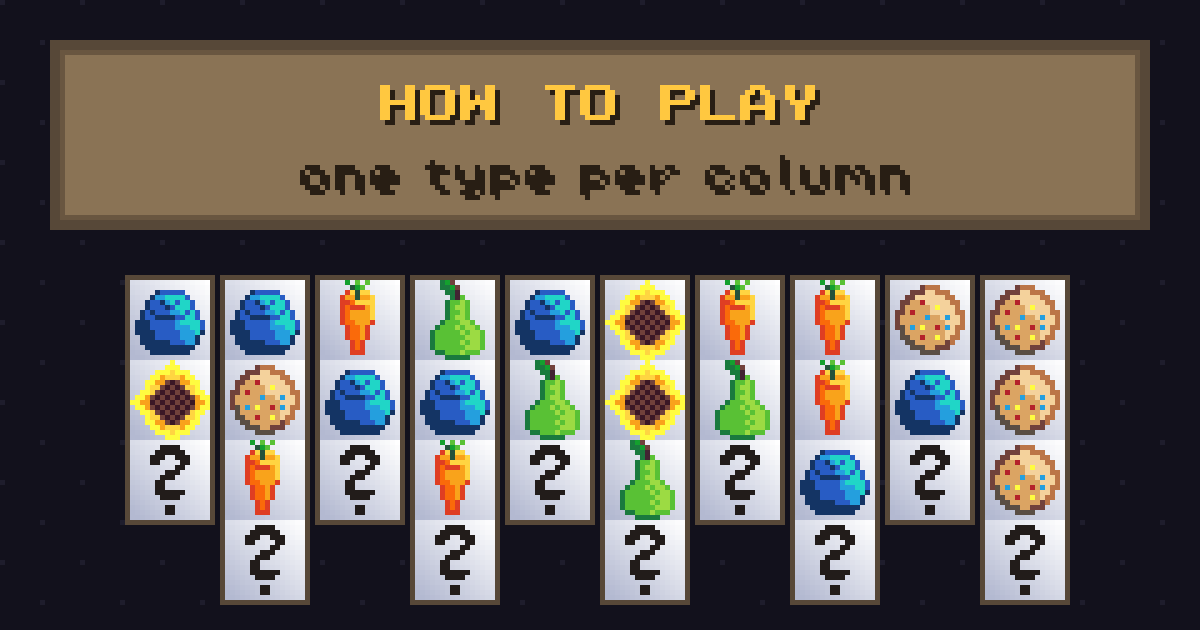
Orderwick is a cozy pixel-art card-sorting puzzle. Here are the rules, the controls and the few ideas that make the first levels easy.
The goal
Sort the cards so that every column holds a single type of card. When all columns are clean, the board is solved.
How cards move
The top card of a column, together with the run of equal cards directly under it, can move in two ways:
- onto an empty column, or
- onto a column whose top card is the same type.
At the top right you have free slots. Each free slot holds exactly one card, which makes them the most useful tool you have. One column is always empty at the start.
Controls
- Keyboard: 1-9 and 0 pick columns, a s d f pick free slots, arrows and Enter also work.
- Mouse: click a column to pick up cards, click another to drop them.
- U undo, X rescue, R new board, Esc or P pause, F11 full screen.
Undo and rescue
Only one undo is allowed, so use it for a real mistake and not for exploring. Rescue adds one free slot but drops you one level; after you solve the board you return to the level you were on. It is there so a hard board never ends your run.
A good first game
Start the campaign at an easy level. Spend your first moves revealing hidden cards, keep one column empty as long as you can and put a free slot to work only when a column would otherwise stay blocked. If you want more depth, read our sorting tips.
Play Orderwick in your browser Ready to try it?